
Tips and tricks for specific brands
Over the past few years, we have tested a number of devices, some presenting challenges regarding installation, control, or maintenance, while others proved surprisingly user-friendly.
Below, we share our experience, including details on the issues we encountered and the solutions we implemented. The list begins with key devices, specifically those used for remote system control, such as temperature controllers and smart power outlets (often applied to heating systems).
The next section covers the heating/mining hardware we have tested (from manufacturers like Bitmain, Canaan, and Goldshell), along with our observations.
The final sections outline various types of devices currently undergoing testing or included on our "to-do" list. These will be covered in greater detail at a later date.
Connected temperature monitoring devices are small temperature sensors that typically also measure humidity levels.
They connect to an app that allows you not only to monitor the temperature remotely but also to trigger the behavior of other devices
from the same manufacturer (such as a smart plug) based on the temperature reading.
Examples of providers: Tuya - Avatto - Aqara - Xiaomi - Shelly - TP-Link
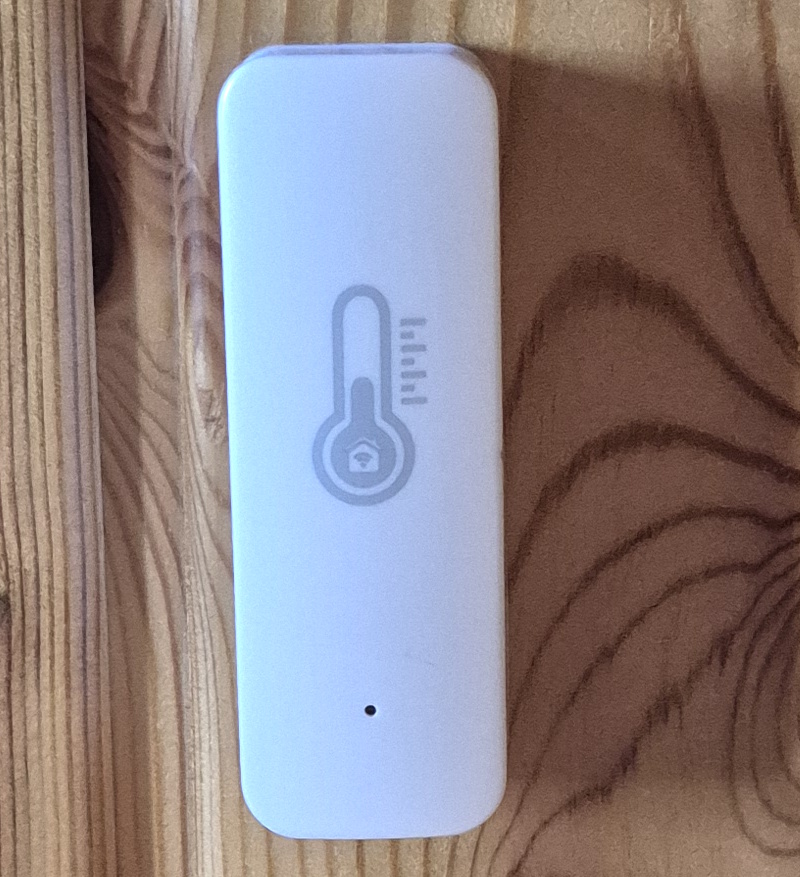
The connected thermometer we tested is the Tuya model.
The first step is to install the Tuya Smart application.
The thermometer is then paired via a Bluetooth connection, and Wi-Fi can be configured within the application.
Very easy to set up, this device allows for remote temperature monitoring, even when thge smartphone is not on the same local network.
These small devices plug directly into a wall outlet and allow you to switch the outlet on or off, either manually or automatically, using a dedicated application.
Control is generally managed via a dedicated app provided by the manufacturer.
Automation features can be quite advanced—for example, switching on or off based on a timer, local weather conditions, the presence of the smartphone (with the app) on the same local network, etc.
Examples of providers: Tuya - Pillips Hue - Osram - TP-Link - Wiz - Steffen - Hombli
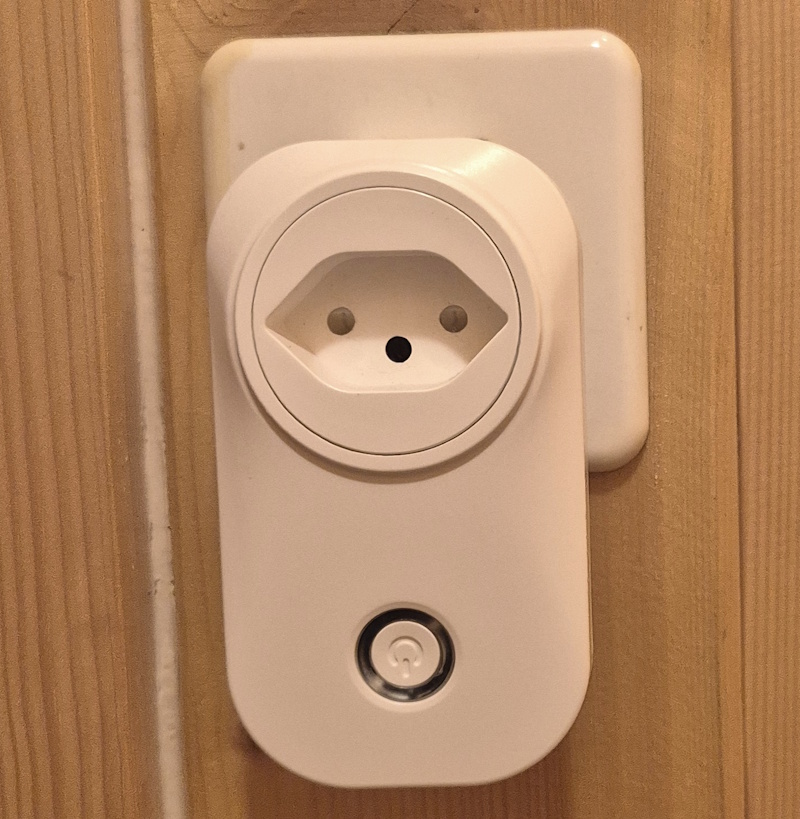
The device we tested is the Tuya Wi-Fi Smart Plug.
The first step is to install the Tuya Smart application.
The SmartPlug is then paired via a Bluetooth connection, and Wi-Fi can be configured within the application.
The plug can now be controlled remotely, either manually or automatically.
Programming can be set up using a timer or by utilizing conditional functions available within the app (such as outdoor temperature, the presence of a smartphone on the same local network, etc.).
All miner manufacturers offer tools to list the various machines of their brand installed on your local network.
They do not all use the same approach.
Some brands offer small executables to install on your computer; these utilities will detect their miners and show the local IP adress.
We have tested a number of home mining machines, specifically those requiring moderate electrical power.
Details of these tests, along with our advice and recommendations, are presented below for each brand.
Bitmain is one of the long-established manufacturers of mining hardware, particularly for Bitcoin. Today, their products are primarily aimed at professional use (mining farms), but older machines remain widely used for home mining. Up to and including the S17 series, it is feasible to connect these units to a domestic electrical system—provided that the specific electrical capacity and relevant safety standards for each individual setup have been verified.
Bitmain miners are equipped with an Ethernet connection; once the cable is plugged in and the machine has started up, you can use one of the previously described methods (list of local IP addresses →)
to find its IP address and access the configuration interface via a web browser.
There may be instances where devices do not appear on the list of connected devices.
This situation can occur, in particular, if you are using a network switch to expand Ethernet connections for a group of miners.
In this case, the miners will be on a subnet that is not detailed in the list provided by your router.
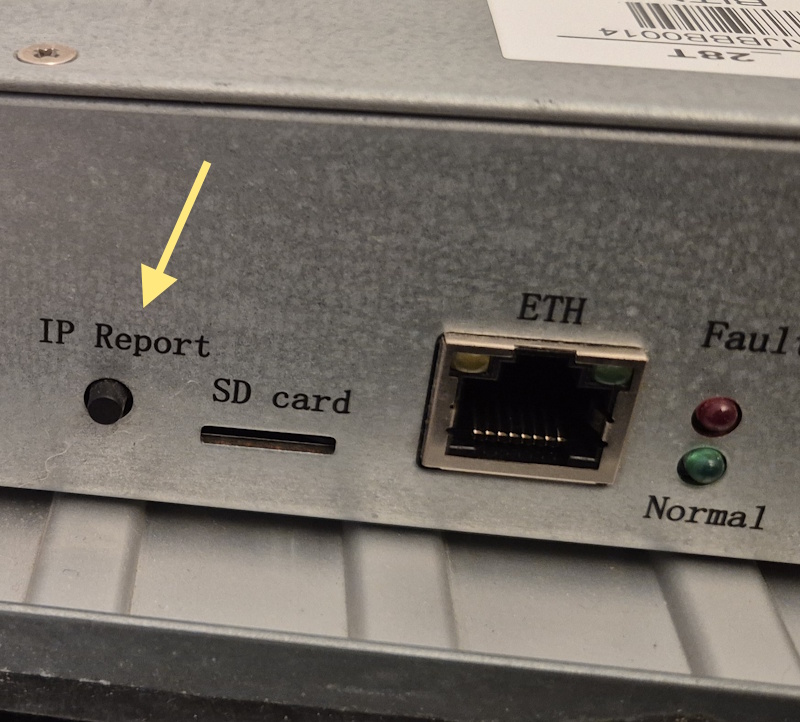
Bitmain offers the second solution shown here.
Bitmain offers a very practical tool in the form of a small executable to install on your computer.
You can find this tool here: shop.bitmain.com/support/download
In the drop down menu, go to "Other" - "IP-reporter"
How to use:
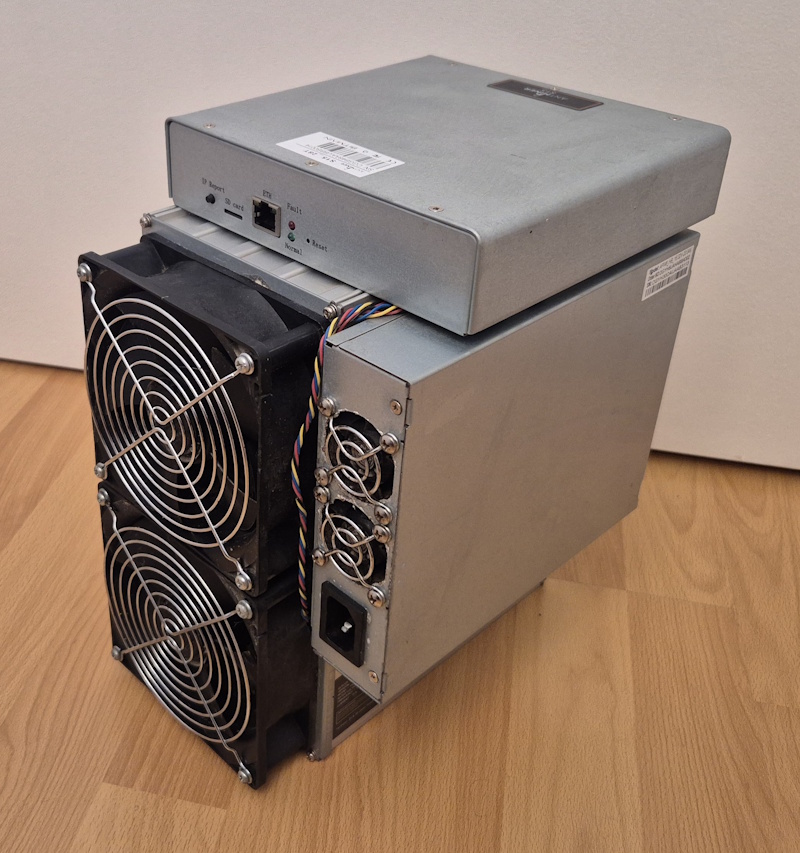
Over the past few years, we have tested three machines: the S15 (Bitcoin), the Z11 (Zcash), and the D3 (Dash).
All of these miners are noisy, although, starting with the S15, Bitmain introduced an "Eco" mode that operates at reduced power and slightly lowers the noise level.
None of these machines are intended for use in a living space, primarily due to the noise. Consequently, they are generally installed in a basement, a garden shed, or a room that is not currently being occupied.
Antminer S15 – This is the first miner we installed; it operates using the SHA-256 algorithm (BTC) and has proven to be remarkably durable.
Please note that we have always run it in "Eco" mode, which reduces the strain on its components, both electronic and mechanical.
Antminer Z11 – This miner, designed for Zcash, uses the Equihash algorithm. It has also demonstrated great durability—all the more impressive given that our unit was overclocked to squeeze out a bit more performance.
This algorithm requires a large amount of memory; it was originally conceived for GPU-based mining.
Antminer D3 – Of the three Bitmain miners we tested, this is the smallest, yet the loudest.
It has never been particularly profitable, which is why it is the one we use the least often.
It mines Dash using the X11 algorithm. The algorithm gets its name from the fact that it chains together a sequence of 11 different cryptographic hash functions.
At the time, this strategy was intended to prevent the emergence of ASIC chips, ensuring that Dash mining would remain the domain of graphics cards (GPUs).
We tested the Avalon Mini 3. The device is controlled via the "Avalon Family" app; this app and a Bluetooth connection are used to configure the Wi-Fi connection and password.
This miner does not support Ethernet connectivity; once connected to Wi-Fi, it displays its local IP address on the small control screen—which is very convenient!
You can access its interface via a web browser using the local IP address, but currently (2026), the interface offers no control capabilities—only data visualization.
Control is therefore handled through the Avalon Family app, provided the smartphone is on the same local network.
This restriction is significant, as it prevents remote control of the miner.
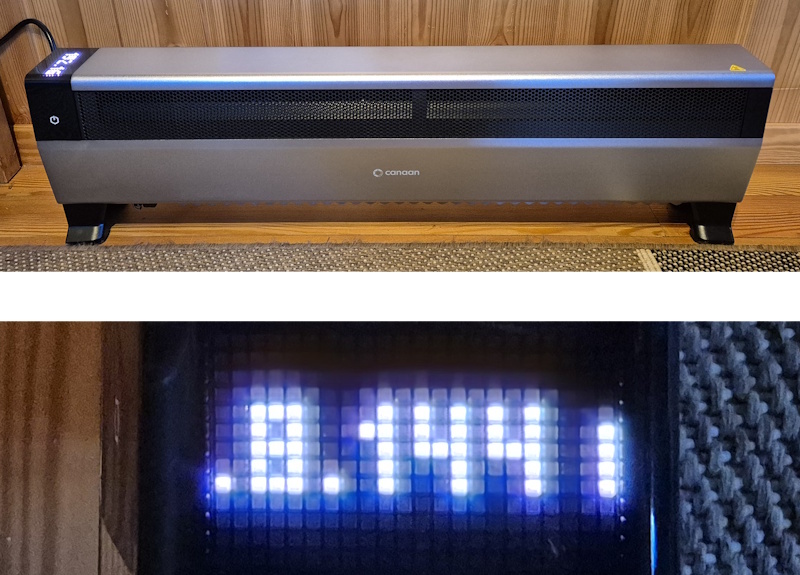
What we particularly appreciate about this machine is that it has been developed like a "heater," featuring various control options, including a target temperature setting and multiple operating power levels.
Its elongated geometry, combined with quiet fans positioned along its entire length, produces a pleasant flow of warm air.
Furthermore, it incorporates a substantial metal thermal mass, which extends the heating effect even when the miner is in standby mode.
Last but not least, it integrates a high-performance mining system based on the SHA-256 cryptographic hashing algorithm (used for Bitcoin).
Goldshell offers various lines of miners, including the "Box" series, which is particularly well-suited for home mining.
Units in this series feature an Ethernet connection, and the more recent models also include Wi-Fi connectivity.
Installation generally begins by plugging in an Ethernet cable, powering on the miner, and accessing its configuration interface via a web browser.
In addition to standard methods for finding your local IP address, Goldshell provides a rather convenient feature.
The device periodically communicates its IP address to a Goldshell server, a server that can be queried using an online tool available here:
find.goldshell.com, which then provides a direct link to the unit's local configuration interface.
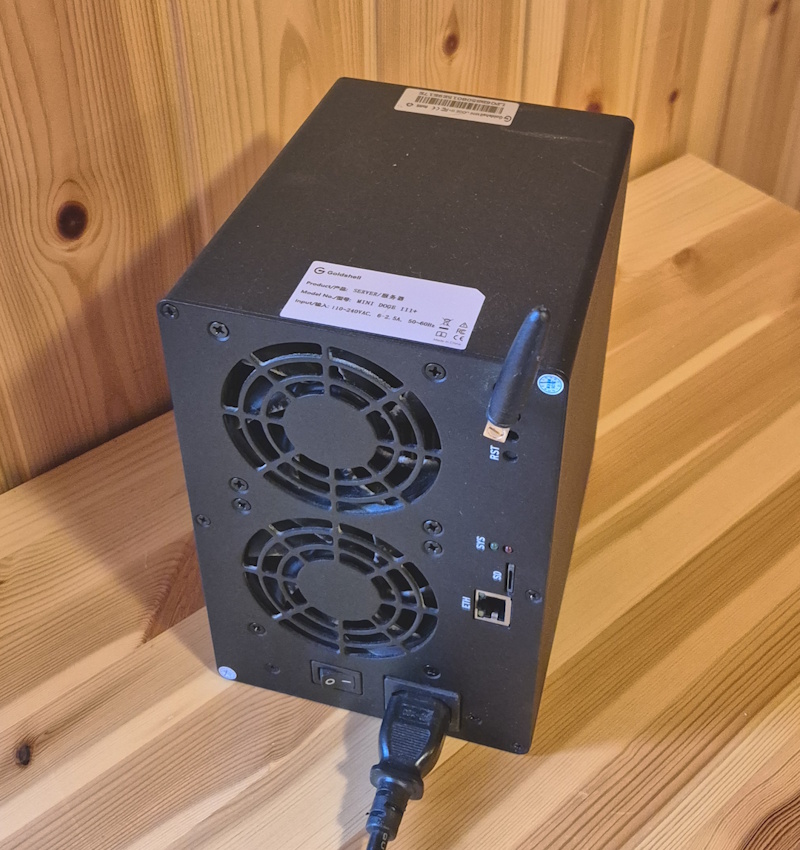
We have tested several models: the CK BOX, the Mini DOGE II, and the Mini DOGE III Plus.
Installation via an Ethernet cable is exceptionally straightforward; all you need is a web browser on the same local network.
Once Wi-Fi has been configured, the miners connect automatically during the startup process.
In the "Box" series, the machines are exceptionally quiet and operate with a very modest power draw (less than 500W).
Furthermore, they feature several operating modes, including an "eco" option that is even quieter, making them well-suited for home use.
Please note that during the startup phase, the miners perform a check of the cooling fans; consequently, for about 30 seconds, the fans will be noticeably louder.
Many household appliances offer advanced features and remote control capabilities through a connected system.
This category includes robot vacuum cleaners, refrigerators, washing machines, dishwashers, ovens, kitchen appliances, air conditioners, and humidifiers.
Various types of webcams can be installed on a home network to record or view indoor or outdoor scenes.
Offering varying image quality, these webcams are used for "tourism" or security purposes. Small devices serving as entry
monitoring systems for small apartment buildings or private homes are particularly common. When connected to an app,
they allow for interaction with the caller using a very simple infrastructure.
Examples of providers: Tuya - Ezwiz - Xiaomi - Anker - Reolink - TP-Link